



|
|
|
|
|
Multiple Cloud-Hosts SupportedWorks across Microsoft Server, Exchange, Sharepoint, Azure Blob, Amazon S3
|



Secure Data And Reduce Complexity
SpaceObServer visualizes your storage data down to the file level, to reduce complexity and providing more understanding through analysis and more security through structure!

Reduce complexity in your data storage!
With SpaceObServer, you can separate important information from redundant and outdated data. Create information security through a single source of truth!

Relieve your IT with automation!
SpaceObServer enables the automatic execution of regular processes and defined storage structures. Comprehensive data lifecycle management replaces manual tasks.

Ensure compliance with RBAC!
SpaceObServer enables you to manage and ensure Role Based Access Control (RBAC). This allows you to analyze access rights, track changes at any time and avert risks.
How SpaceObServer Helps Your Storage Management
Control Unstructured Data

- Track storage usage across your storage systems, including Windows Server, SharePoint, Azure Blob Storage, S3 Cloud Storage, and Linux.
- Drill down into storage usage by user, file type, file age, and other metadata, even at the file level.
- Repeat storage scans according to schedule using a background service for constant analysis.
- Enjoy high performance and data sovereignty thanks to on-premises deployment.
- Organize data across multiple drives and storage systems using containers for cross-system analysis.
Predict & Plan Capacity

- Track storage usage over time using historical data and forecasts to anticipate future needs.
- Drill down into size growth by user, file type, file size, and other metadata.
- View and export weekly or monthly growth statistics in various formats, such as PDF, Excel/CSV, and HTML (view a sample PDF report).
Ensure Data Compliance

With its broad tool set, SpaceObServer helps you to enforce individual compliance requirements easily.
- Monitor file permissions and detect policy violations or overexposed folders.
- Identify outdated or sensitive data and enforce retention rules automatically.
- Track permission changes and generate audit-ready compliance reports.
- Ensure naming conventions and prohibit forbidden file types.
- Review all recent changes to ACL permissions with associated metadata for improved security auditing.
Reduce Waste & Duplication

- Detect duplicate files and folders automatically by name, date, size, content (MD5 hash), and other metadata.
- Identify similar folders and compare differences in directory trees in a comparison view.
- Perform bulk file operations to immediately move, archive, or delete duplicates.
Data Migration

- Use a wide range of mass operations on files and folders, such as moving, archiving, deleting, and renaming.
- Migrate file structures from one storage system to another without loss and create a detailed protocol.
- Maintain file permissions during operations and, optionally, leave links in the original locations.
Data Lifecycle Management

- Manage the data lifecycle, accompanying data throughout its entire lifecycle, from creation to deletion.
- Save storage space and ensure compliance with regulations to avoid liability issues.
- Define bulk operations such as moving, archiving or deleting file structures according to your own schedule.
Create Stunning Reports

- Generate customized reports manually or automatically via the UI or, for example, PowerShell scripts.
- Define charts, statistics and details to customize reports to your exact requirements.

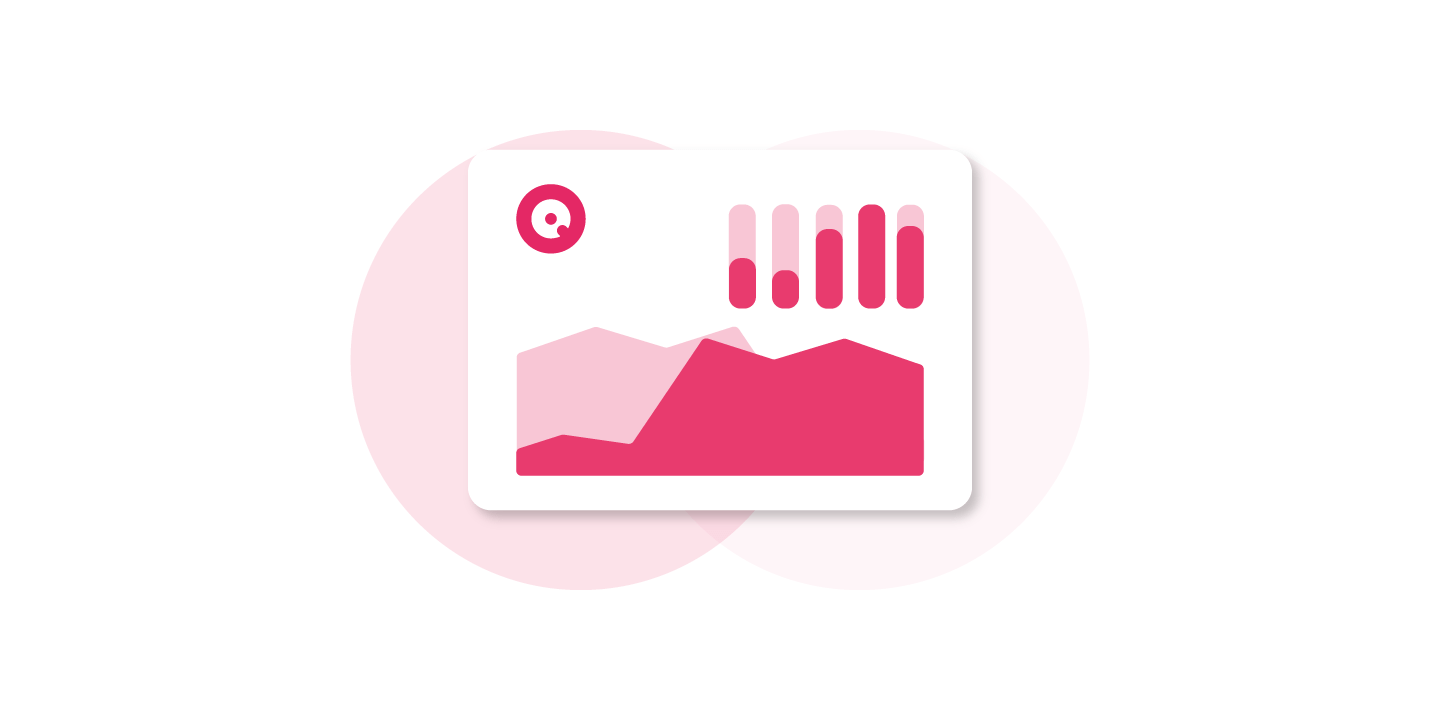

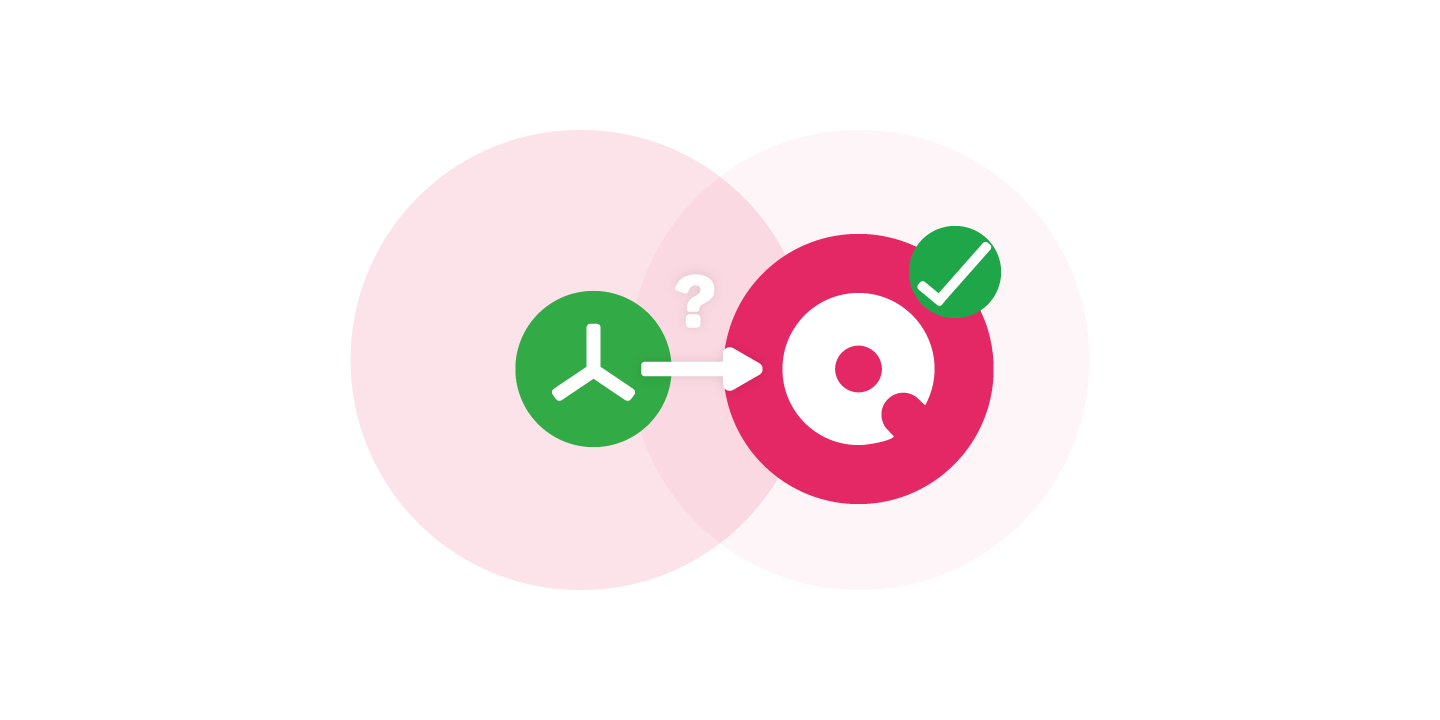

Enhance Your SpaceObServer With Our Add-Ons

- Share results with data owners: Give employees in business departments access to SpaceObServer scan data via their web browser.
- Security: Connect via a specific URL+SSO and define role-based permissions for who can access your data.
- Easy Setup: No installation and no admin rights required for end users.
- Ensure Compliance: End Users access is limited to read-only so that your data integrity is never at risk.
- Administrative Control via Desktop App: Administrators can manage scans, schedules perform file operations from their own PCs via a desktop app.
- Includes CAL: Gain Client Access to SpaceObServer.
- Secure Remote Access: Connect from any workstation via authenticated connection to your SpaceObServer database.
- Direct Database Integration: Work with up-to-date results stored in the database which are instantly accessible for analysis.
References
We Help You To Get Started
Need more help? Let us help you set up SpaceObServer for the first time with first-class live support from our product team and secure your data today. Just give it a try!
Frequently Asked Questions
What is SpaceObServer?
SpaceObServer is the storage management and reporting solution for your servers. It observes storage on your system continuously and archives file system information in a SQL database.
What's the difference between TreeSize and SpaceObServer?
While TreeSize can show its full strength when scanning smaller systems, SpaceObServer is the solution for medium to large server landscapes.
TreeSize scans file system structures as needed and holds a snapshot of the scan in your system memory. SpaceObServer, on the other hand, archives all needed file system information in a backend database to calculate size development.
SpaceObServer shows you detailed statistics from the start and lets you apply filters without the need of any rescan.
See our comparison for more information:
Which storage systems does SpaceObServer support?
SpaceObServer can observe Windows servers as well as SharePoint, Amazon S3 Cloud Storage, Azure Blob Storage, Exchange Servers and Linux/Unix server systems.
Does SpaceObServer transmit sensitive data?
No, SpaceObServer does not transmit any kind of sensitive data from your storage systems.
SpaceObServer collects file system information only locally in the scan database.
Do I need SpaceObServer DataCentral or Enterprise Edition?
SpaceObServer offers two editions: DataCentral (former: Standard Edition) and Enterprise.
DataCentral is your solution for simple scanning of multiple storage systems without the need for automation.
With the Enterprise Edition, on the other hand, you can scan multiple servers and benefit from automated reporting, Data Lifecycle Management as well as OLE Automation.
See our comparison for more information.
Does SpaceObServer require a license for access?
Yes, SpaceObServer does require the SpaceObServer Client Access Single License, comparable to a CAL.
But every purchase of SpaceObServer regardless of the edition comes with a SpaceObServer Client Access license.
Additional clients beyond this single access license do require licensing via the SpaceObServer Client Access Add-On. It also includes the Remote Client for SpaceObServer as an additional software.
Your Data Safe in Your Hands

Our on-premises software puts you back in control of your data. Our solutions work entirely without cloud services - your data always stays with you.
And to ensure GDPR compliance at all times, our servers are located in Germany, today and tomorrow.