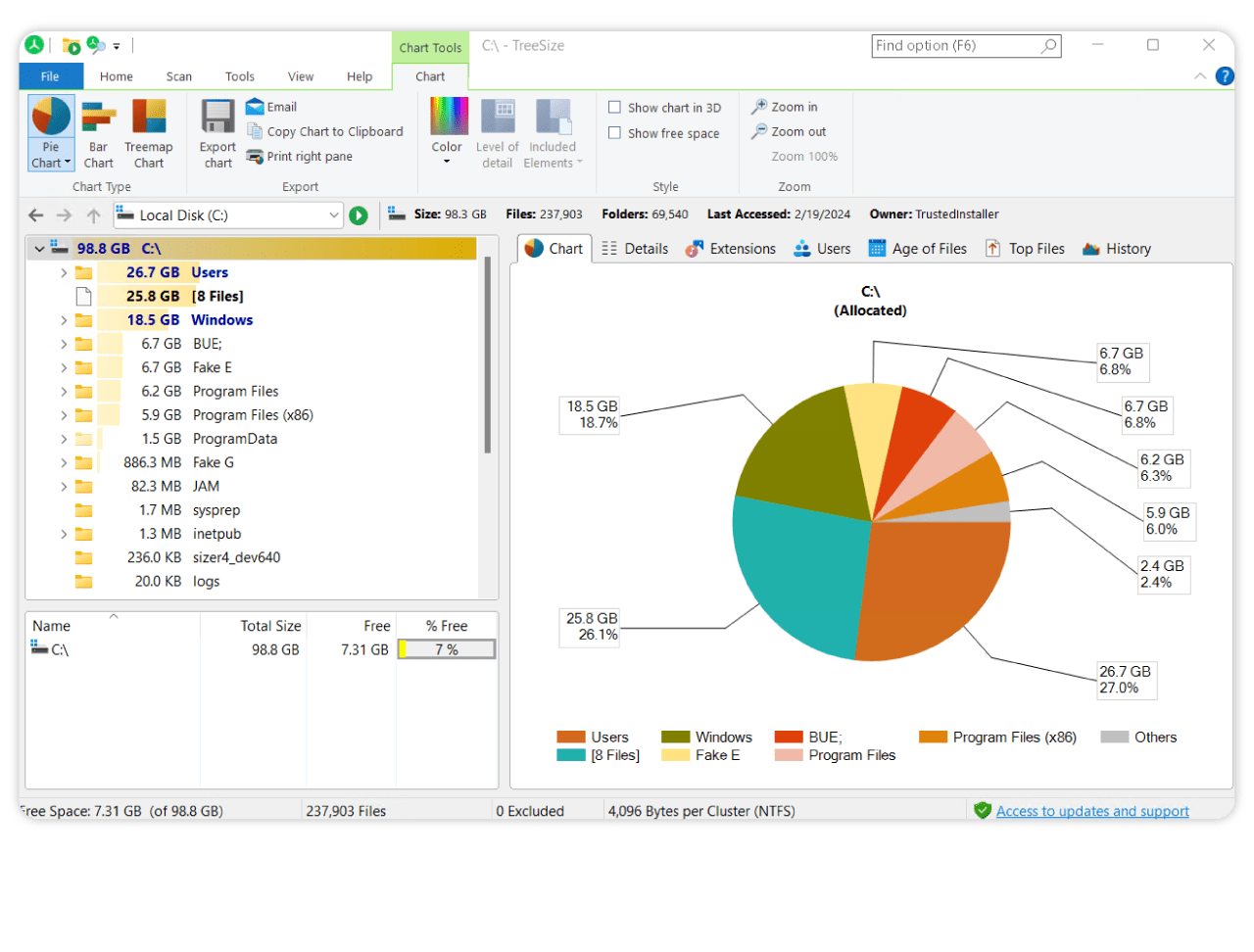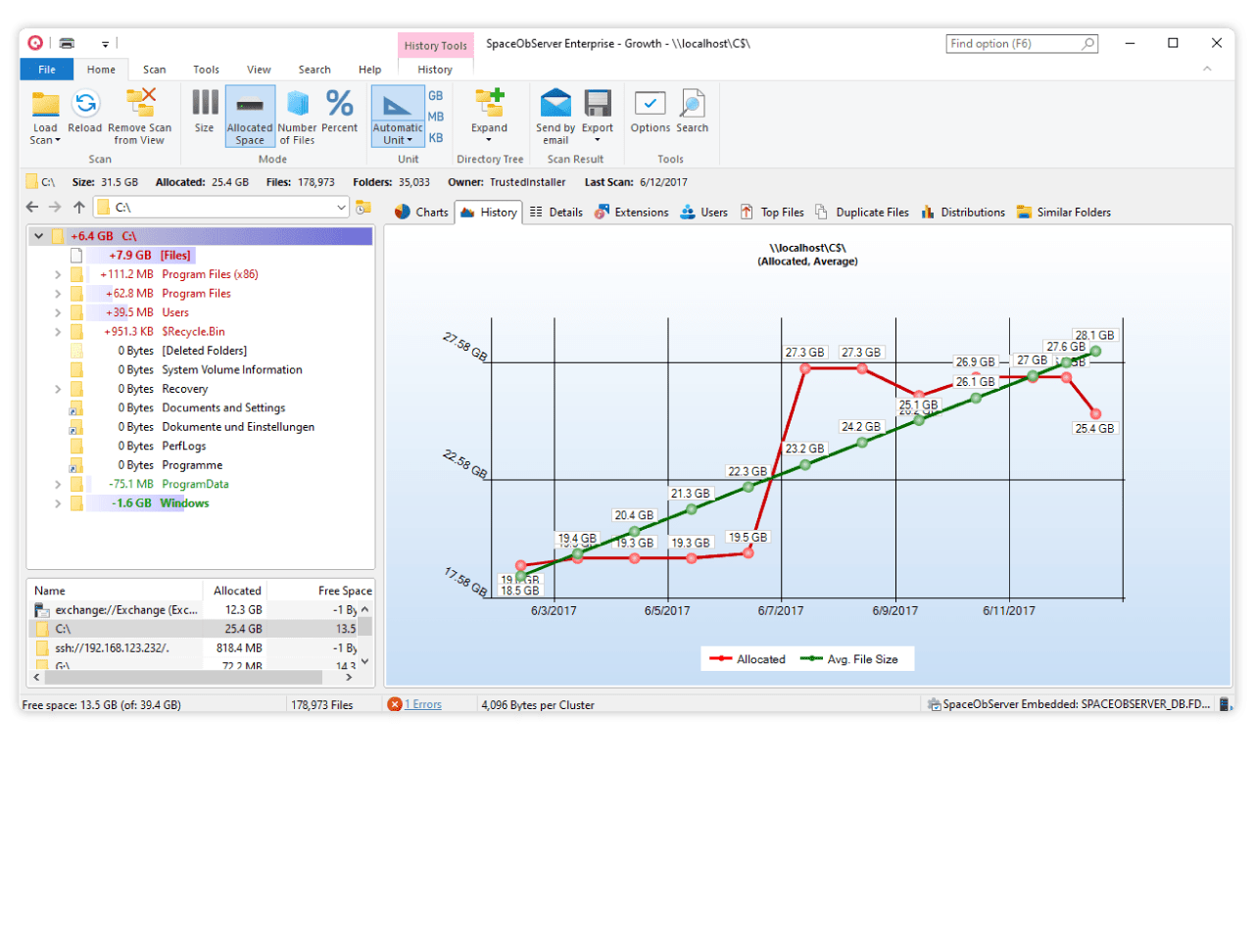


Every hard disk is too small if you just wait long enough. TreeSize Free tells you where precious space has gone to. TreeSize Free can be started from the context menu of a folder or drive and shows you the size of this folder, including its subfolders. You can expand this folder in Explorer-like style and you will see the size of every subfolder. Scanning is done in a thread, so you can already see results while TreeSize Free is working. The space, which is wasted by the file system, can be displayed and the results can be printed in a report. TreeSize Free is freeware for Windows 2000/XP/Vista/7. Users of Windows 9x/ME can download last compatible version TreeSize Free V2.1.
|
|
Take a look at the powerful analysis and management functions of TreeSize Professional.
Sometimes you get to a point where your smartphone runs out of disk space. The manual search for large files and folders can take a long time. TreeSize Mobile helps you to find these folders. The file system is represented in a tree view and it shows you the size of folders, including their subfolders.
TreeSize Mobile requires Windows Mobile with .NET Compact Framework 2.0 (or higher) (contained in Windows Mobile since version 6.0).
|

SmartCallMonitor is the new phone monitoring software for TAPI capable hardware like a telephone system or an ISDN card. It automatically tries to match incoming phone calls with data stored in your Microsoft Outlook contacts to provide you with information about the caller (e.g. name, address etc.).
The information will be shown in a clearly arranged datasheet. If SmartCallMonitor cannot find matching information about the caller in your MS Outlook contacts, it can use an internet reverse search service to obtain information about the caller. With just one click, you can start a Google search directly from the monitoring software to look for further information about a call (e.g. the company's website). The detailed view shows you all information about the selected entry at a glance.
With SmartCallMonitor you always know who is calling. In the integrated journal, you can filter missed calls or specifically search for a contact or a number in the call log.
SmartCallMonitor can simplify your daily office routine by monitoring incoming calls, saving information about the caller (e.g. time and date of each call), creating call back reminders and many other features.
SmartCallMonitor V1.2 fully functional version is completely free.
|
|
Everyone owning an email address knows these annoying mails you receive. The number of spam mails running around is continuously increasing so everyone has to spend more time sorting out good mails from spam. Don't waste time on this. Let SpamAware do it for you! SpamAware is a plugin for MS-Outlook and MS-Outlook Express. It uses SpamAssassin to score new incoming mails and decides, based on the settings made in options, what to do with the mail. It contacts through SpamAssassin several spam-servers to be more efficient. The application is completely functional after installation and gets automatically active on new mails. It supports Black- and Whitelist filtering and is able to automatically add all your Outlook and Outlook Express contacts and add recipients of mails you write to the Whitelist.
|
|
Are you looking for a server solution that fights spam as reliable as SpamAware? Just try the Exchange Server Toolbox!
Heavyload is intended to stress all resources of a PC (the CPU, RAM, hard disk, network, operating system, etc.) in order to test reliability under a heavy load. This is useful for testing important MS Windows file or database servers before using them for production, or just to check if your new PC might get too hot when used intensively. To stress your PC or server, HeavyLoad writes a large test-file to the temp folder, it allocates physical and virtual memory, performs complex calculations and it draws patterns in its window.
|
|
Microsoft's file system NTFS offers a transparent file based compression but the compression rate is not displayed anywhere.
NTFSRatio closes this gap: For any folder on an NTFS volume, NTFSRatio shows the size and the compression rate of this folder and also of its subfolders. Compression and decompression can be done inside NTFSRatio with immediate review of the result. Results can be printed or exported. NTFSRatio can be called from the Explorer context menu of any folder.
|
|
FileList is a command line utility that produces a list of files of the given path in the CSV format, which can be imported into a spreadsheet or database. The list includes the file name, the size, the path, the file extension, the owner of the file (only Windows NT/2000/XP/7) as well as the last access and change date and the creation date of the file. Optionally the author of MS Office documents can be displayed.
|
|
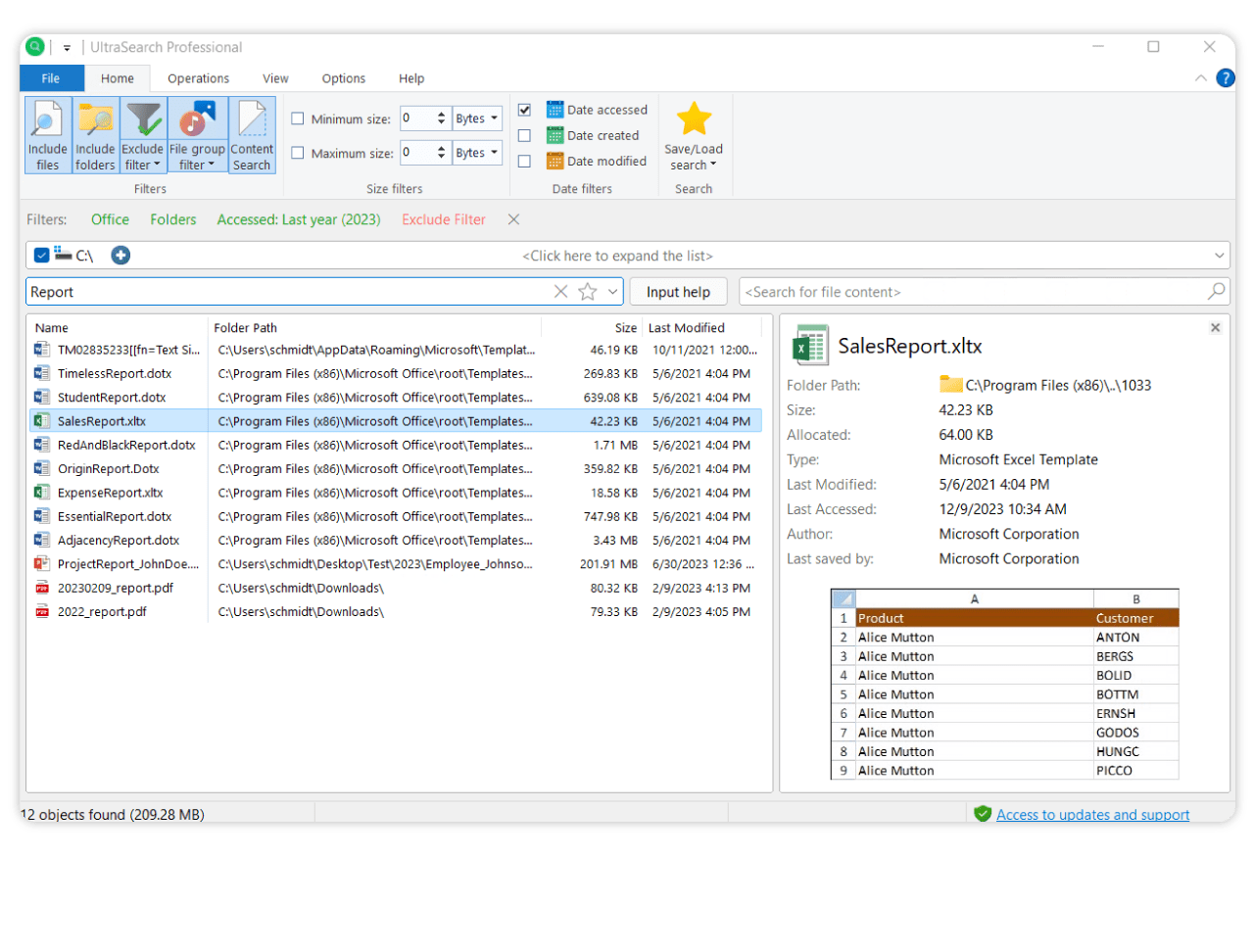
UltraSearch searches files on local NTFS drives and provides the results within just a few seconds. UltraSearch does not use a previously built index or background process, it achieves its speed by working directly on the Master File Table (MFT) of the NTFS partitions. You can enter a file name or a pattern like *.exe and often will see the results already while typing. Additional information like size and last change date will be shown for the listed files. Moreover, the Explorer context menu is available inside UltraSearch.
Our software TreeSize Professional offers a custom file search where you can search for and filter by further criteria such as file size or file date in the custom file search.
|
|